

















Clicky, Tactile or Smooth? How to Choose a Mechanical Keyboard
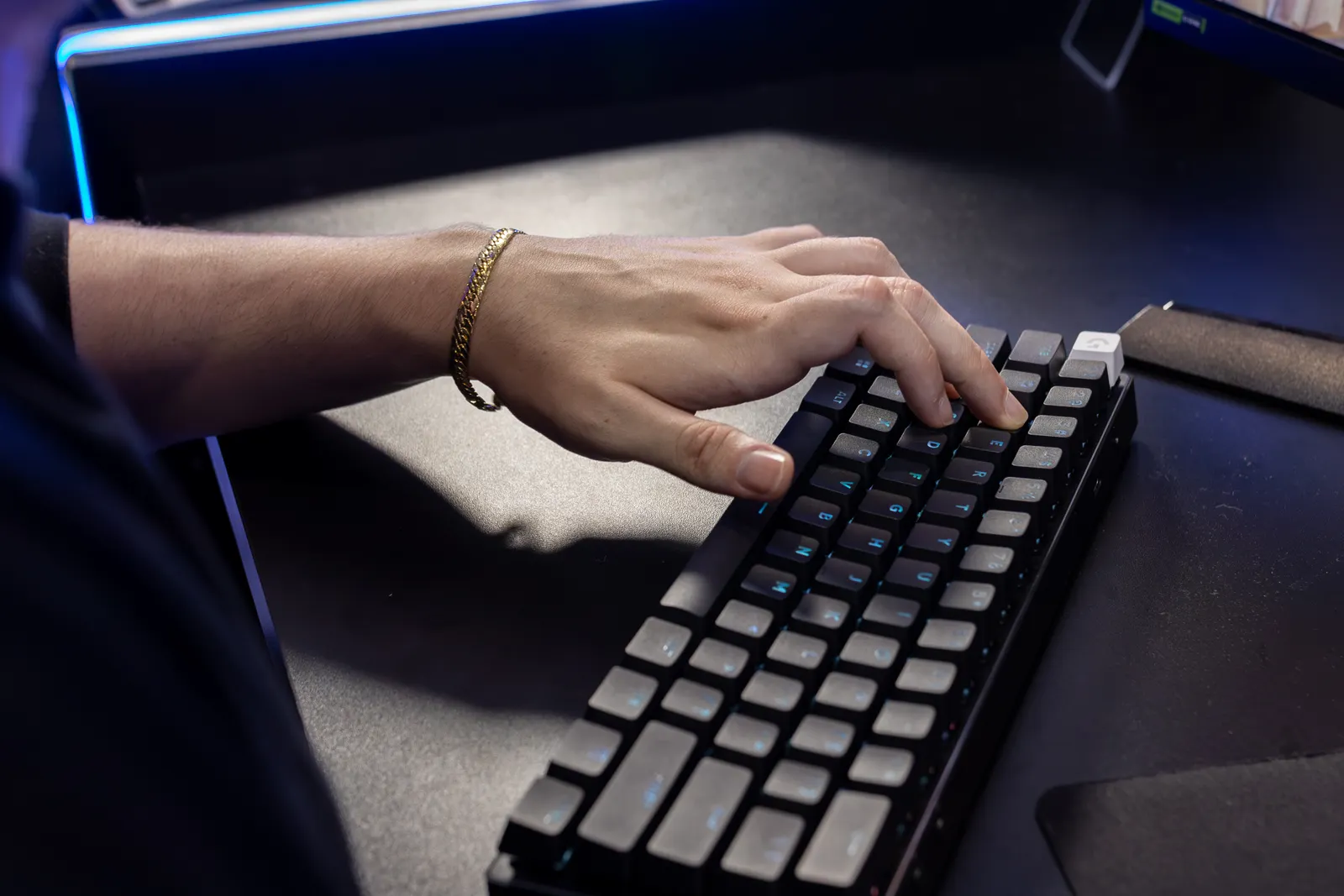
Namaste, friend. If you type all day, the keyboard is the one piece of tech your fingers touch more than anything else, including your phone. So why put up with a mushy, rattly one? Mechanical keyboards have moved from gamer dens to every kind of desk because they feel nicer, last longer and can be tuned exactly to your taste. Let me debug the jargon for you.
What Makes a Keyboard “Mechanical”?
Most cheap keyboards use a single rubber sheet under all the keys. Press a key and it squishes a rubber dome. A mechanical keyboard has an individual switch under every single key, with a small spring inside. The result: a more precise, consistent feel, and keys that usually survive many years of hammering.
Switches: The Heart of It All
Switches come in three main personalities:
- Linear: smooth all the way down, no bump, quiet-ish. Lovely for fast typing and gaming.
- Tactile: a small bump you feel at the moment the key registers. Many people find this the most satisfying for writing.
- Clicky: a bump plus an audible click. Joyful for you, potentially less joyful for anyone sharing your office or bed.
Switches also differ in how much force they need. Lighter switches are easier on the fingers; heavier ones feel more deliberate. If you can, try a cheap switch tester (a little board with several switches on it) before deciding. It’s not a bug if you change your mind, it’s a feature.
Pick Your Size
- Full size: number pad included. Great for spreadsheets and data entry.
- Tenkeyless (TKL): no number pad, so your mouse sits closer. A comfortable all-rounder.
- 75% and 65%: compact layouts that keep the arrow keys. Neat on small desks and easy to carry.
- 60% and smaller: very minimal, with many keys on shortcut layers. Fun, but there is a learning curve.
Features Worth Paying Attention To
- Hot-swappable sockets: you can pull switches out and try others without soldering. Brilliant for experimenting.
- Wired or wireless: wired is simple and reliable; wireless (Bluetooth or a small dongle) keeps the desk tidy and often lets you switch between a laptop, tablet and phone.
- Keycaps: thicker caps feel and sound richer, and their lettering wears off less. They’re also the easiest way to give your board some personality.
- Mac and Windows support: check the board has the right modifier keys or a switch for your system.
- Software: good companion software lets you remap keys and create shortcuts. Check it works on your computer.
- Height: many mechanical boards are tall. A simple wrist rest keeps your wrists in a neutral, relaxed position.
Care and Maintenance
- Turn it upside down and shake gently now and then to get rid of crumbs.
- Use a keycap puller for a deeper clean every few months. Wash keycaps in lukewarm soapy water, then let them dry completely before putting them back.
- A soft brush or a blast of air clears dust between switches.
- Keep drinks away, obviously. Some boards are spill-resistant, few are spill-proof.
Is It Worth It?
If you write, code, chat or game for hours, yes. A good keyboard makes typing more comfortable and genuinely more enjoyable, and you don’t need to spend a fortune: there are excellent budget boards with hot-swap sockets and decent switches. Start simple, find the feel you love, then customise to your heart’s content.
Happy typing, and may your keystrokes always land true. Namaste!
Comments
Also give your opinion.

 The Captain Look






Leave a comment